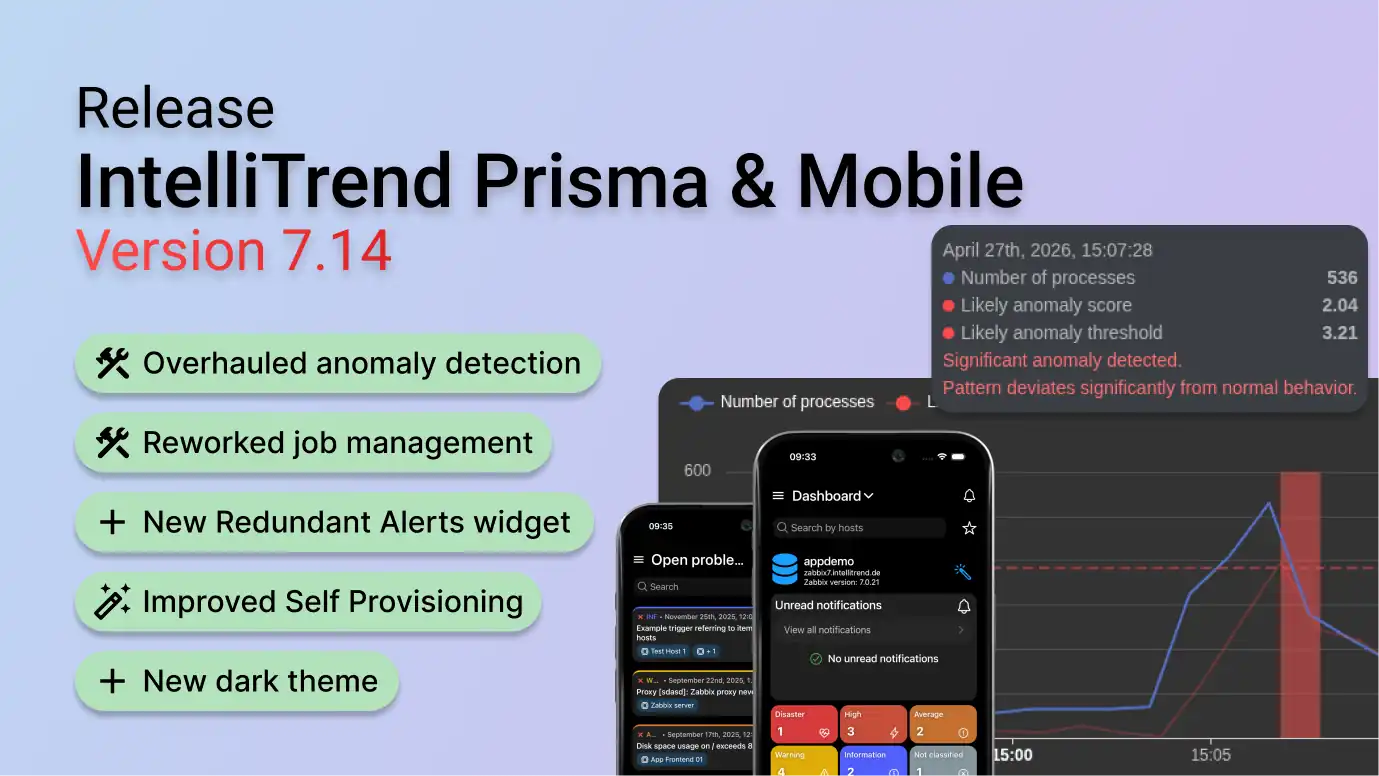
With Prisma and IntelliTrend Mobile Version 7.14, one of our largest releases yet, we are introducing a completely rebuilt AI anomaly detection pipeline, reworked microservice and job management, new reporting capabilities, Self Provisioning improvements, new dashboard widgets, a brand-new dark theme and many additional improvements.
New AI anomaly detection pipeline
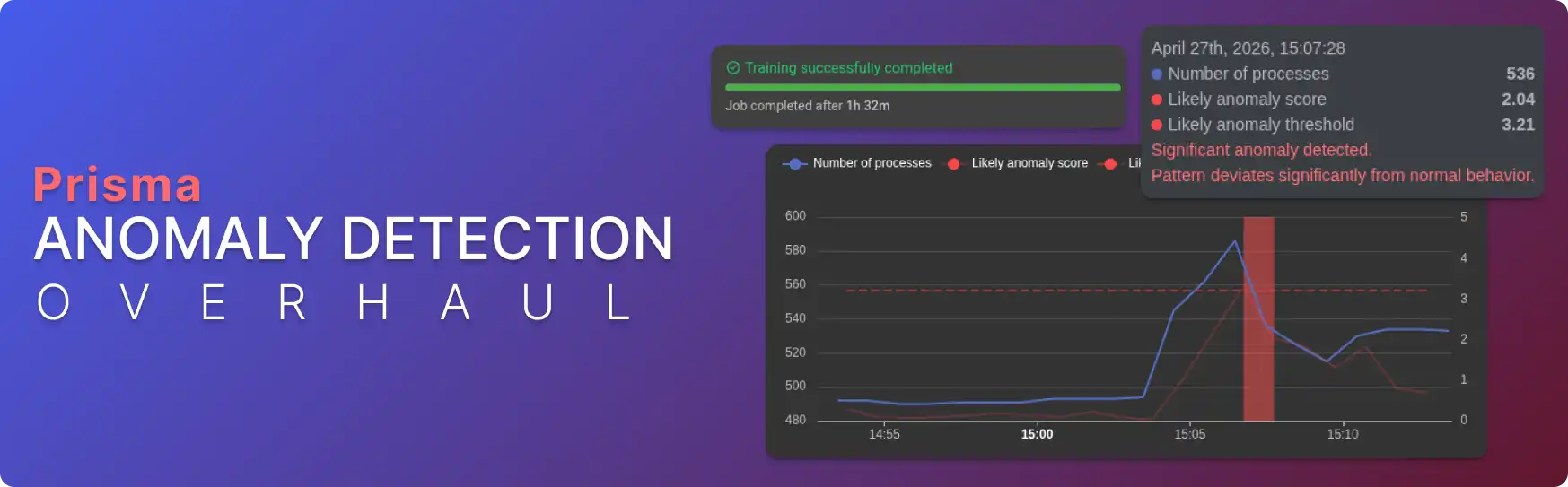
The Prisma AI anomaly detection pipeline has been rebuilt from the ground up. We are introducing four new model architectures, Iris Nano, Iris Core, Iris Pro, and Iris Ultra, each designed for different use cases and complexity levels. Detection accuracy has been significantly improved, and the system is now more robust against edge cases like monotonic or constant inputs.
One of the biggest quality-of-life changes is the new configuration preset system. The reworked model details page supports optimized defaults out of the box, while still allowing full customization in advanced mode for power users. We have also added an automatic threshold selection system that removes the need to manually choose an anomaly threshold. If you want more control, new threshold preferences let you bias toward either more aggressive or more conservative detection without retraining.
The new pipeline also features an improved AI dataset scoring system to help you evaluate your training data quality more easily.
On the infrastructure side, the AI Server now supports fully HTTP-based streaming inference built on new Zabbix API features, removing the need for a direct Zabbix database connection and allowing cloud, hybrid and local deployments of AI models. New deployments benefit from automatic model warmup, resulting in stable output immediately after deployment. We have also added the ability to pause and resume deployments and the option to automatically create output items, anomaly triggers, and connectors in Zabbix, removing the need for manual configuration.
Reworked microservice and job management
The microservice and job management system has been completely rewritten. Jobs now show accurate per-service queue positions and step progress indicators, giving clear insight into job status at all times. The live job log has been restructured to show steps more clearly, and you can now abort jobs while they are running. The new microservice details page displays live status and current workload provides an overview of all services and their queues. You can also choose a specific service for AI training or configure conditions for automatic service routing, including support for tag-based routing and dedicated services.
Reporting enhancements
Reporting receives several notable additions in this release:
- A new Redundant Alerts widget that detects fully and partially overlapping Zabbix actions, helping you eliminate duplicate notifications
- CSV support added to 10 existing report widgets
- Added the ability to clone report widgets
- Allow reordering items in the Numeric items and Text items widgets
- A redesigned report list view with rendered report type indicators
- Added an option to delete all failed reports
- Show the next render timestamp for reports
Self Provisioning improvements
This release adds a separate page for configuring alerts per host instead of per host group. Additionally alerts can now be configured per media type and per severity, giving you fine-grained control over which media types are used for each severity level. You can now also pause and unpause all notifications per host or host group, making it easy to temporarily silence alerts when needed.
Zabbix Client and dashboard improvements
The Zabbix Client and dashboards receive several useful additions in this release:
- A new Trigger widget has been added to the dashboard, allowing you to view trigger states at a glance
- Added color thresholds to the dashboard item widget, enabling graph and value coloring based on configurable ranges (i.e. color a graph section red if the item value exceeds a certain threshold)
- The option to display latest values has been added to the host graph widget
- Nested host scripts are now supported, allowing you to browse and execute scripts organized in sub-groups directly from the app
- New View in Zabbix links let you open hosts, items, triggers, and other entities directly in the Zabbix frontend for quick access
New dark theme
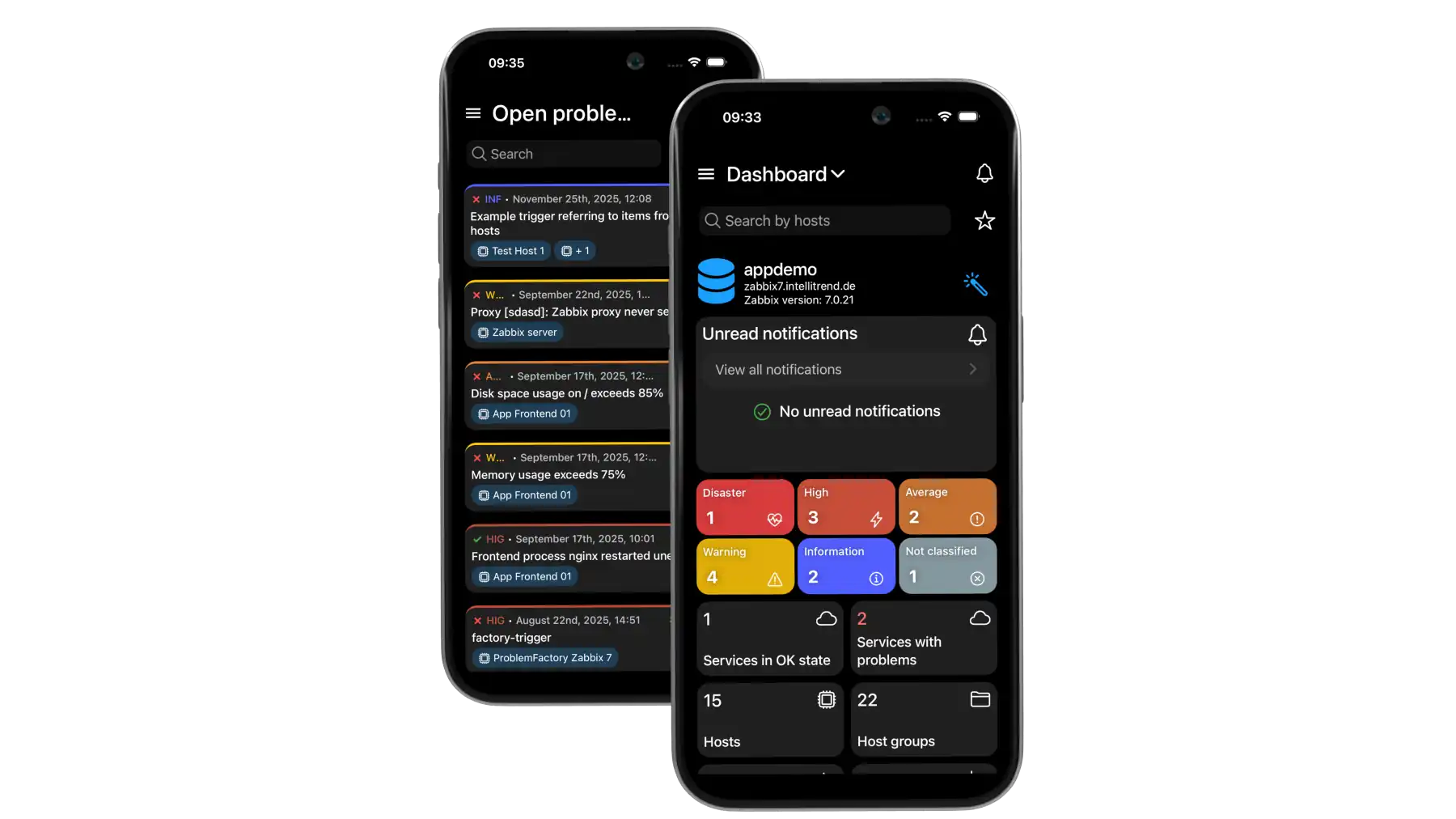
Prisma now offers a new dark theme that provides improved contrast and is optimized for OLED screens. With this addition, you can choose between three themes: Light, Dimmed (previously “Dark”), and Dark (new dark theme), so you can pick the look that suits your preference.
Many more improvements
In addition to the features highlighted above this update includes persistence for favorites synced across devices, sorting filters on all Prisma list pages, a collapsible side menu on desktop, and many additional bug fixes and improvements.
Check out the full release notes for a complete list of changes in this update.