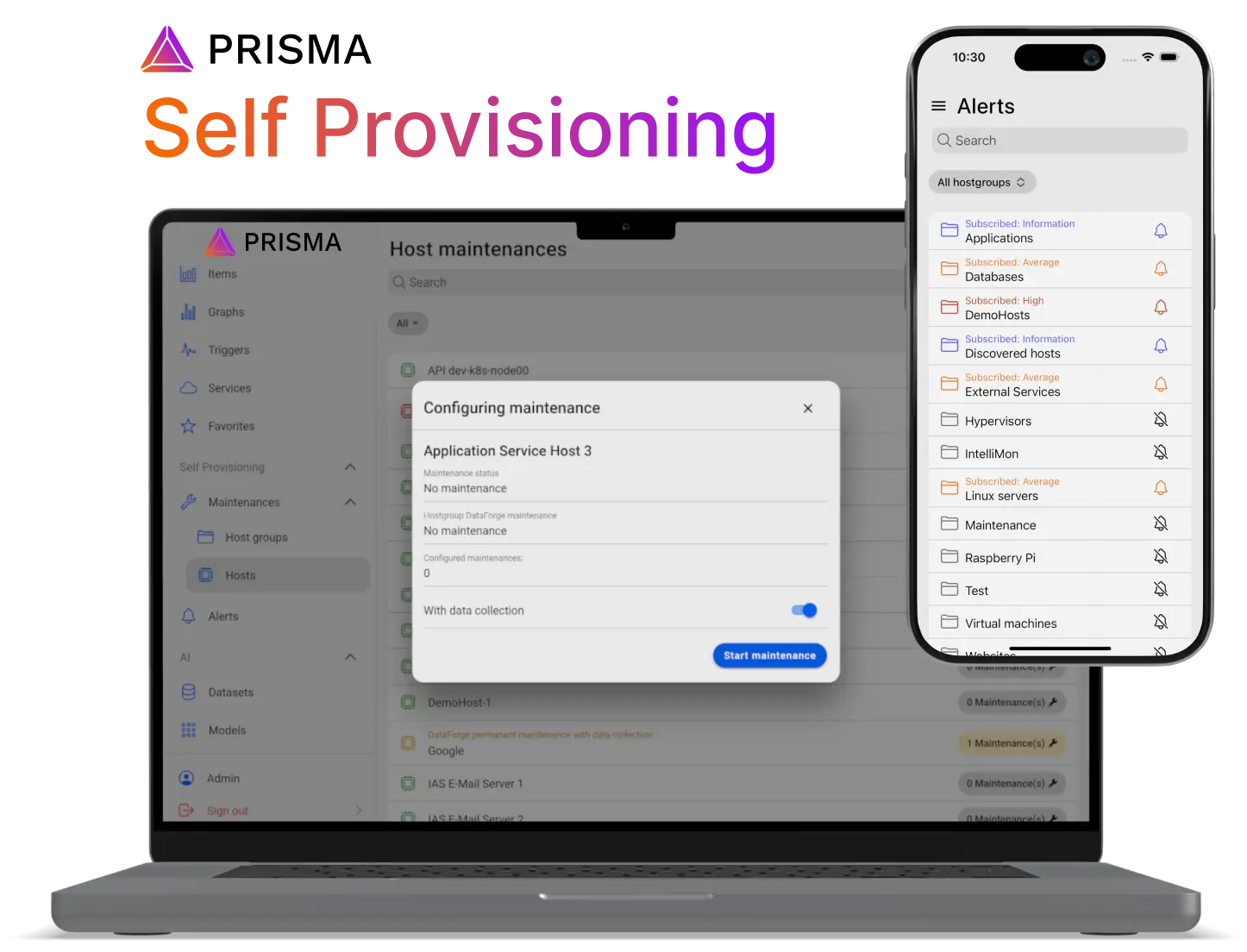
Allow users to configure alerts and maintenances
Self Provisioning
With the Self Provisioning features of Prisma, your users can change specific properties of Zabbix configuration relating themselves without administrative privileges.
- Enable & disable alerts for hostgroups (for current user)
- Configure severity threshold for alerts
- Put hosts & host groups in maintenance
- No administrative privileges in Zabbix needed
- Permissions granted to users by Prisma administrator
Prisma features
Prisma documentation
Open documentationEasy configuration of Zabbix alerts
Manage alerts
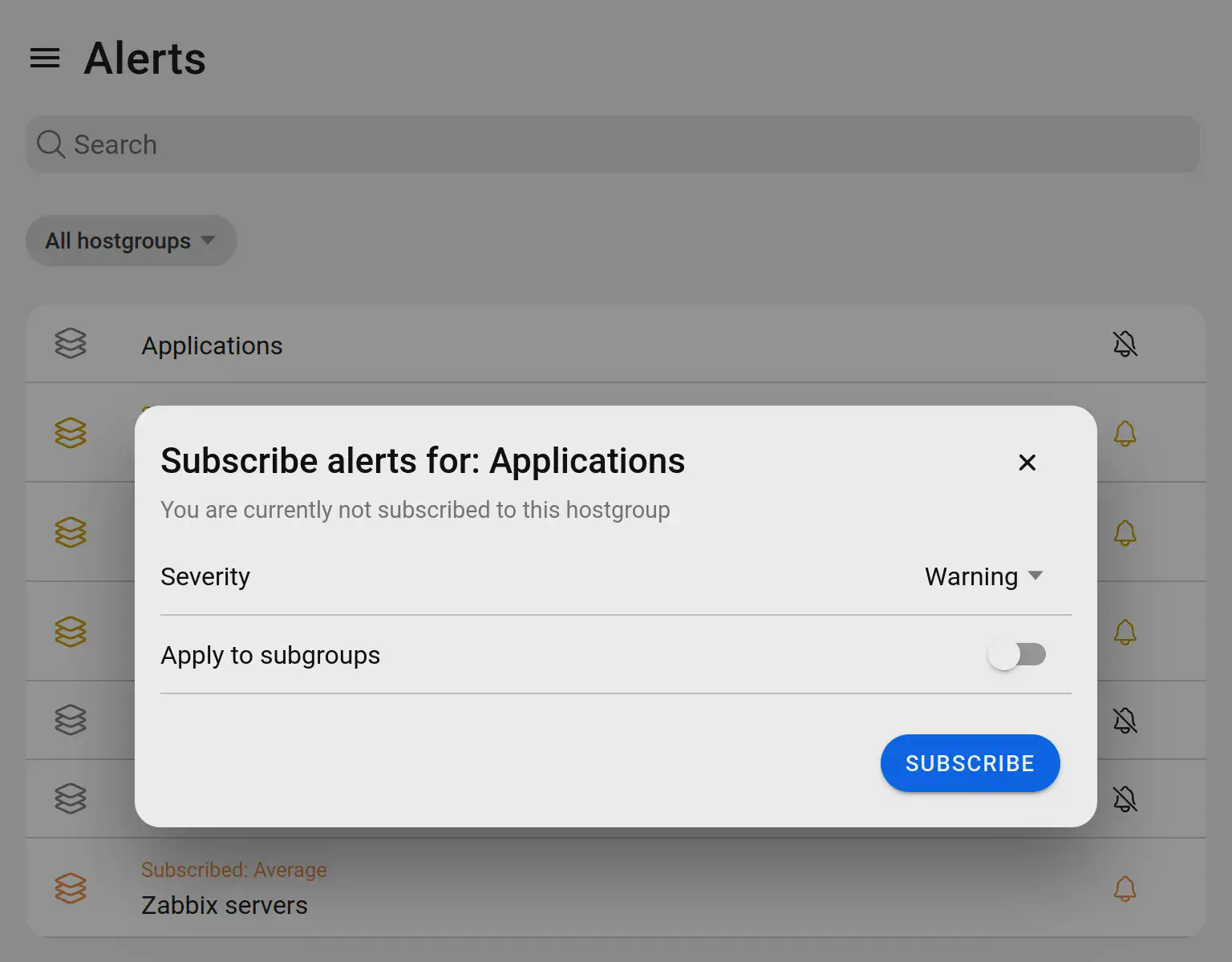
With Prisma, your users can configure on their own, which alerts they wish to receive from the Zabbix server.
No administrator privileges or skills are needed, only the corresponding permission in Prisma
Users can individually configure the minimum severity (per hostgroup) of problems they wish to be alerted of. Alerting settings can optionally be applied to all subgroups of the selected hostgroup.
Act quickly and and avoid false alarms
Put hosts in maintenance
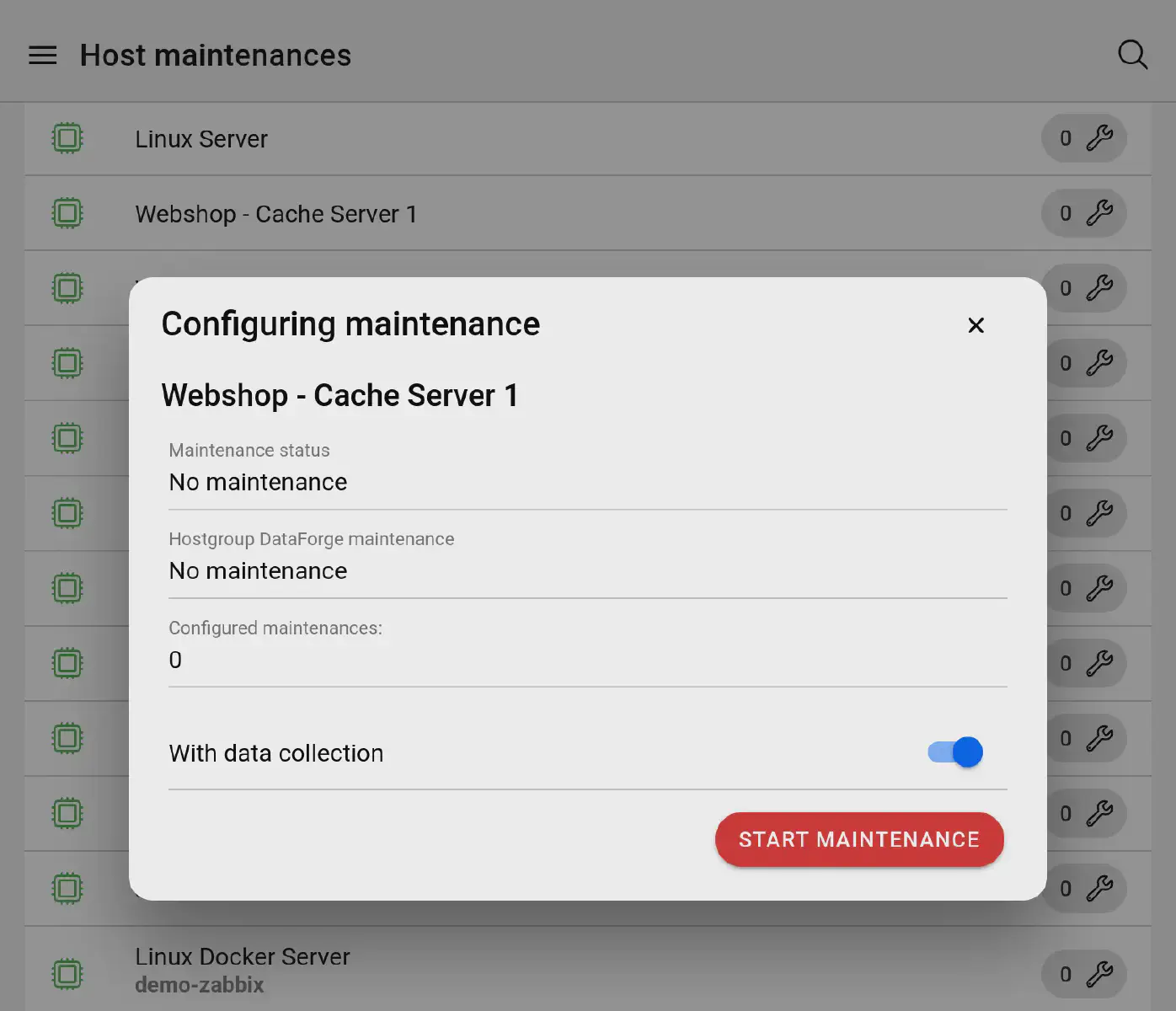
Prisma allows users with the according Prisma permissions to put hosts and hostgroups in maintenance on the press of a button.
This way, you can avoid false alarms, for example in the case of an unplanned restart of a server.
Contrary to the configuration of reports directly in the Zabbix frontend, you don’t need to enter a concrete description, start or end date for the report period: The hosts & hostgroups will simply be put in or out of maintenance at your command.